Design tools for photo booth owners
Custom photo booth templates. Made easy.
- Start from our design ideas or your client’s references, and get matching photo templates, booth screens, and buttons.
- AI creates the base.
- Customize the text, artwork, and layout in the editor.
Free preview · $29 per event pack
From first idea to booth-ready files.
Four steps, one event. You see the whole look before you pay anything.
Coming soonReady-made templates you can customise with your own text, date and assets.
- 1
Start your brief
Pick one of our design directions for your event, or upload the invitation or mood board you already have. Then add the names, date and the layouts you run.
- 2Free preview
Generate your pack
AI draws matching photo templates, a booth screen and buttons from your brief. Preview the whole look free, then decide if you want it.
- 3$29 per event
Edit each asset
Buy the pack and your final files are generated. Then retype the wording, move or hide artwork and adjust the layout.
- 4
Export
Download a PNG for every piece and one ZIP: 300 DPI prints with clear photo openings, exact-pixel screens and separate buttons.
No subscription. AI credits are optional and only needed for extra generations — see pricing.
Made new for your event. Yours to change.
BoothLab's design engine draws every piece from scratch for one event, so no other booth has your kit. It is ready in minutes, where a custom design usually takes days, and every flower, name and line of type stays editable.
Layers10
- Colour waves
- Background
Text
Date text
Type a new date and it updates on the print as you type.
Move, resize and hide
Each motif is its own layer. Drag one clear of a face, or switch it off.
Retype and restyle text
Change the date line, the font, the size and the colour, right on the print.
Swap in a fresh take
Not sure about a piece? Get three new versions of it for one credit and pick.
Undo, autosave, re-export
Edits save as you go, the original is one click away, and exporting again is free.
A custom design, the usual way
- Often days to a first proof
- A fee for each design
- Another round for every change
BoothLab
- The whole look to preview, free
- Files about 20 minutes after you buy
- Change it yourself, as often as you like
One pack per event. Everything matches.
Every piece comes from the same hero design, so the strip on the guest table, the screen by the door and the buttons under the guests' fingers belong together.
- 3 print layouts
- 2×6 · 4×6 · 6×4 · 5×7 · 6×6 · 9:16 share
- 1 attract screen
- HD or iPad, either way up
- 1 button set
- Up to 6 labels, icons on
- PNG files and a ZIP
- 300 DPI prints with clear photo openings
- Editor and re-export
- Free, any time
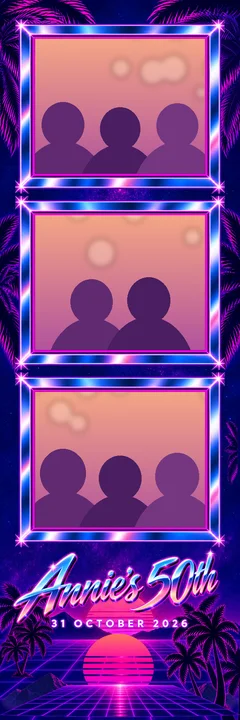
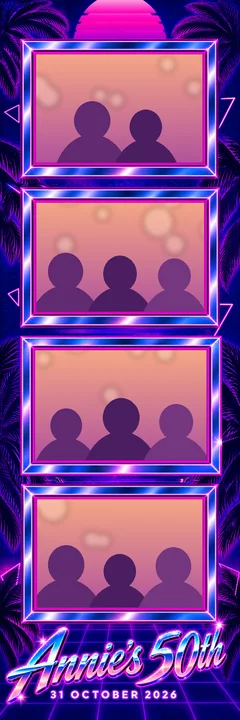
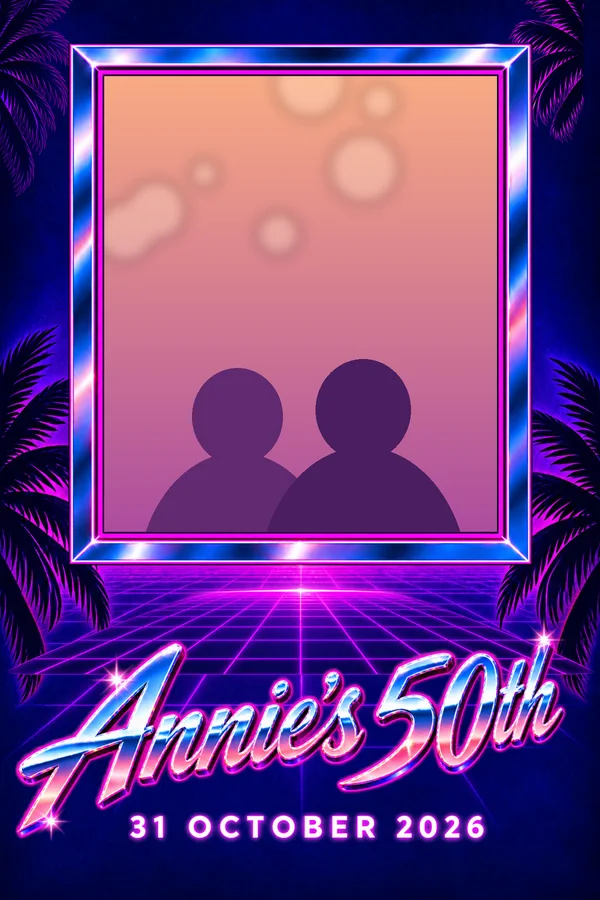
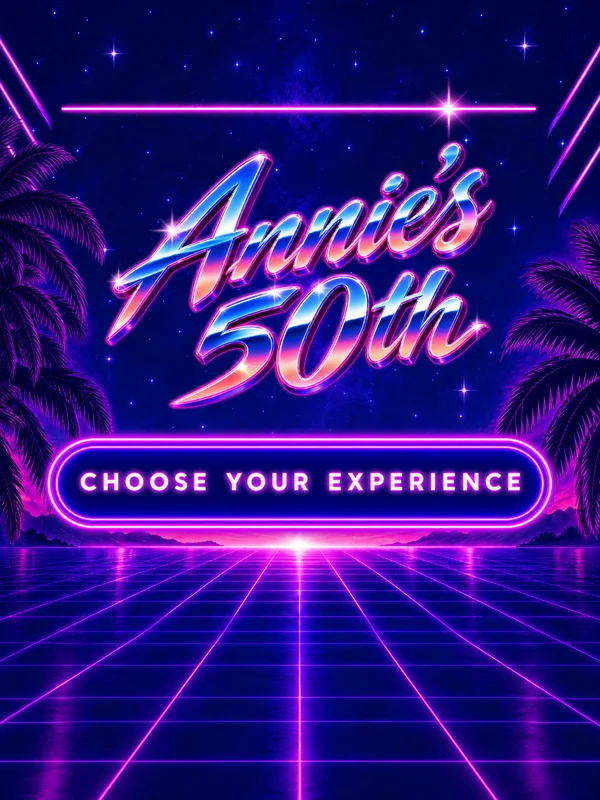
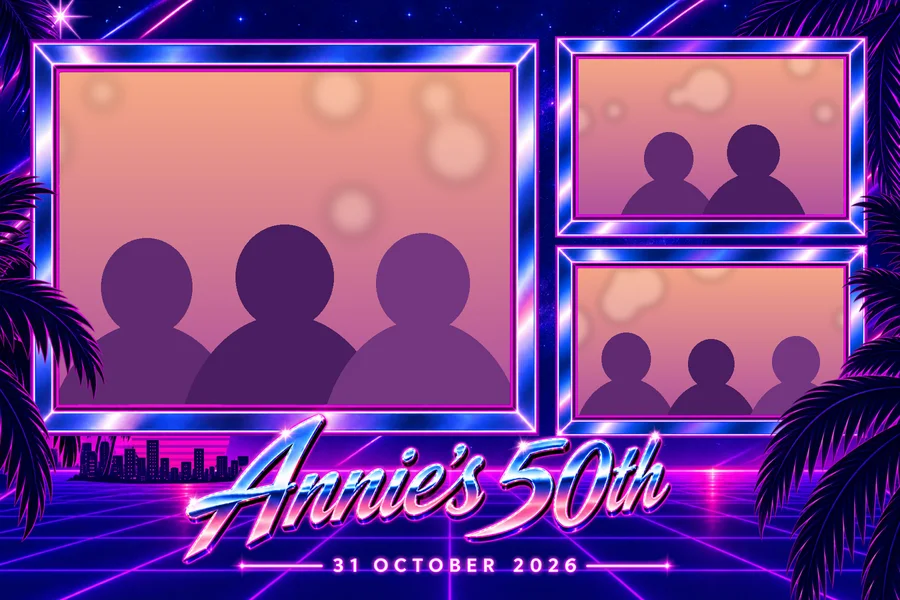
 Example pack · Annie's 50th
Pick the event. We can help inspire the design.
Input your own design inspiration, or choose from our look and feel examples. We have a number of event types to choose from.
Pay per event. Credits only for extras.
No subscription. The $29 event pack is all an event needs. AI credits are optional — use them only when you want the AI to draw something new.
Event pack
$29per event
- 3 print layouts
- 1 attract screen
- 1 button set
- Free preview before you pay
- Edits and re-exports, free
- 3 AI credits included
Free preview · No subscription
AI credits
OptionalCredits pay for new AI drawings. Editing, previews and exports never use them. Everyone starts with 3 free credits, and each pack adds 3 more.
One credit buys
- A completely new look
- Redo only the screen or the buttons
- Refine a look with a note
- Another layout, screen size or more buttons
- Three fresh takes of one piece
- New wording on lettered names
Always free
- Your first look of every event
- Every edit in the editor
- Swapping between takes
- Re-exporting your files
Prices in US dollars, plus applicable tax, worked out at checkout. Payments are handled by Paddle.
Questions operators ask
Is BoothLab photo booth software?
No. BoothLab designs the artwork your booth shows and prints: the print templates, the attract screen and the touchscreen buttons. You load the PNG files into the booth software you already use.
I don't have a look in mind yet. Can you help?
Yes. Choose Show me ideas and we suggest directions made for your event type. Pick one and we write the design prompt for you, which you can change before anything is generated.
What can I upload as references?
The invitation, a mood board, a venue photo or artwork from the event. The AI designs directly from what you upload, so add only what you want reflected. Logos you upload separately are placed exactly as supplied rather than reinterpreted.
Will the first result be exactly what I pictured?
Not always. The more detail you give, through your references, prompt and layout, the closer it gets, but AI can still place things differently or miss small details. That is why every design opens in the editor, where you can move, resize and retype anything for free.
Do you have ready-made templates?
Not yet. Ready-made templates you can customise with your own text, date and choice of assets are coming soon.
Do I need an account to start?
No. Walk through the brief first. We ask you to sign in with Google or an email link when you create your pack, and your brief is kept.
What exactly do I download?
A PNG for every piece. Prints come at 300 DPI at trim size with transparent photo openings. The attract screen is exact pixels for your device. Each button is its own PNG. Everything is also in one ZIP.
Will it work with my booth software?
If your software takes PNG overlays, yes, and most booth apps do. We don't ship software presets, so you load the files the way you already do.
Can I use my client's logo?
Yes. Upload it once and we place it exactly as supplied on every print and on the screen. Without a logo, we letter the names.
What if the look isn't right?
Edit it yourself in the editor for free, or use a credit to draw another take, redo only the screen or the buttons, or refine it with a note.
How long does the pack take?
Usually 15 to 25 minutes. We email you when it's ready, so you can close the tab.
Got a booking this weekend? Start with our ideas or yours.
Free preview · $29 per event pack · No subscription